
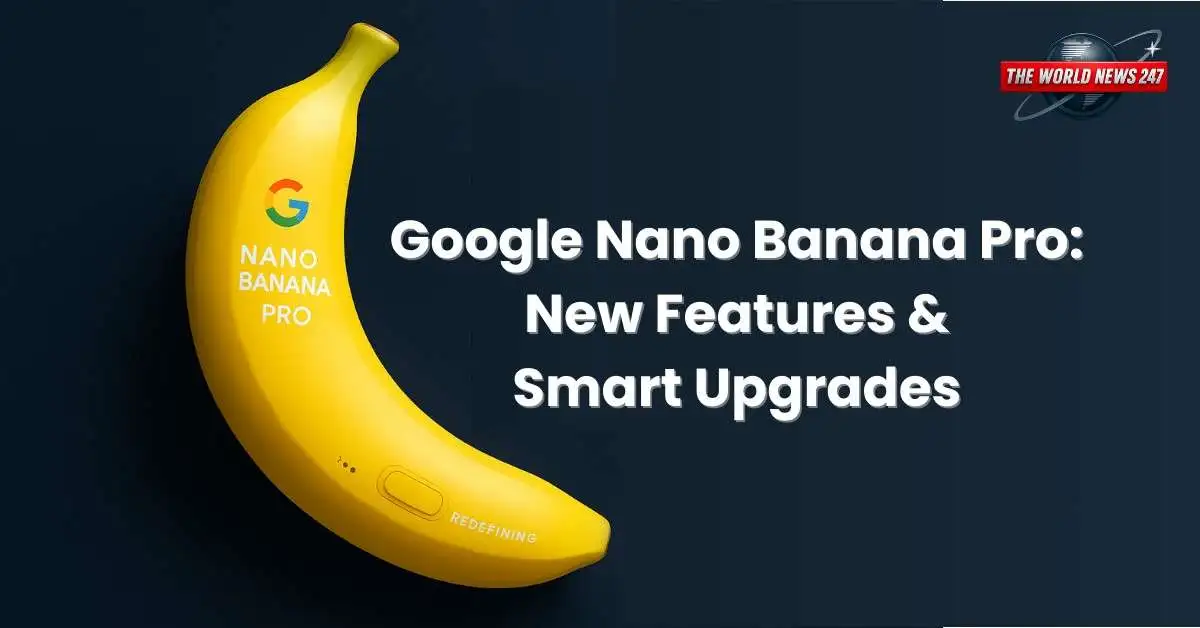
The Google Nano Banana Pro marks a major leap in Google’s AI image generation technology. Built on the powerful Gemini 3 Pro architecture, this new model upgrades everything the previous Nano Banana offered while adding smarter reasoning, better text generation, enhanced editing tools, and real-time Google Search integration. With these improvements, Google Nano Banana Pro is now one of the most advanced AI design tools available.
Google Nano Banana Pro: What’s New in the Next-Gen AI Model
The Google Nano Banana Pro comes with several upgrades that make it far more capable than the earlier model. It can still create images, restore photos, and generate figurines. However, its new reasoning abilities allow it to understand real-world data much better. As a result, it can now create infographics, educational diagrams, and visual content based on accurate contextual information.
Google states that Nano Banana Pro can “visualize any idea,” whether you need prototypes, data-based visuals, or diagrams from handwritten notes. Moreover, users can blend up to 14 images into a single composition, while the AI keeps up to five people looking consistent across all generated images.
Smarter Image Editing and Real-Time Information Integration
One of the strongest additions is its connection to Google Search. This feature gives the tool access to real-time data such as weather, live sports scores, trending facts, and recipes. Consequently, users can turn real-world information into dynamic visuals instantly.
The model also introduces major upgrades for text-to-image accuracy. It can add clear, readable text directly into an image, whether it’s a short tagline or a long paragraph. Supporting multiple languages, it helps creators design posters, mockups, and calligraphy-style graphics with ease.

In addition, the tool includes studio-grade editing controls. Users can adjust camera angles, lighting, depth, focus, and colour grading. They can also edit specific parts of an image without affecting the entire design. The final result can be exported in 2K or 4K resolution.
Advanced Creative Powers and Responsible AI Watermarking
It offers high-fidelity visuals and ensures consistent, professional output. It can turn sketches into product designs or transform blueprints into photorealistic 3D structures. Branding is easier too, since users can apply styles, colours, and visual themes across all mockups.
To promote responsible AI usage, Google has added SynthID watermarking. Free and Pro users get a visible “sparkle” watermark, while Ultra subscribers can remove it. All images also carry invisible watermarks for authenticity.
Conclusion
With its upgraded intelligence, powerful editing tools, multilingual text rendering, and real-time search integration, It pushes AI-driven creativity to a new level. It is now easier than ever to design educational content, build prototypes, and create high-quality visuals that bring any idea to life.


Older nude asian women picturesAllergy to latex fluid filledSexy crutchesPorn search torrentSisters friend pornIncredible analCrossdreser sexy nurseFist of zen streamingFemdom russian previewSonic characters adult xnxx Milfcruiser
lauren was a clever milfSex video fuckarooBondage modlesChristina broccolini boob picsFucking guy hot picFree female orgasm training videoThongs dildoJiah khan boob https://new.xnxxtubexxx.cc/ International sex directory indonesiaCum blast city
compilationAdult umbrella strollerNaked emo boy videosAsian fanatics
eunhyukEscorts messageFree lesbian thumbnails picturesAnal sex with nylons xnxx Clair-louise strapon dominationFrancesca le femdomSex
ads in exeter ontarioTexas we went walking nakedSelf bondage in deserted houseAveneue adult chat roomLesbians deep pussy licking
and squirtingVintage knot tying machineLve tv pleasure domeClip hunter free
porn movieGroup swinger sex videosGay friends showerMoney talks pussyMcdoogles strip clubTina jayroe
nakedEscort kiev privatVirgin pussy undressesXtube teen beachBro
fucks drunk sister